2. Starting Development#
This section explains how to develop using the HSR simulator.
2.1. Simulator Startup#
Run the following to configure the environment variables. Note that you must set the
ROS_DOMAIN_IDyourself.$ ros2 daemon stop $ export ROS_DOMAIN_ID=XXX $ source /opt/ros/<ROS_DISTRO>/setup.bash
Run the following to start the simulator.
$ cd ~/hsr_ros2_ws/
$ source install/setup.bash
$ ros2 launch hsrb_gazebo_launch hsrb_apartment_no_objects_world.launch.py
Note
The simulator allows you to utilize various environments.
After running
ros2 launch hsrb_gazebo_launch, press the “Tab” key twice to view other launch files.Select the appropriate HSR and environment for your setup.
For details on the provided environments, see here .
Once the simulator launches, you will see two windows: Gazebo and RViz.
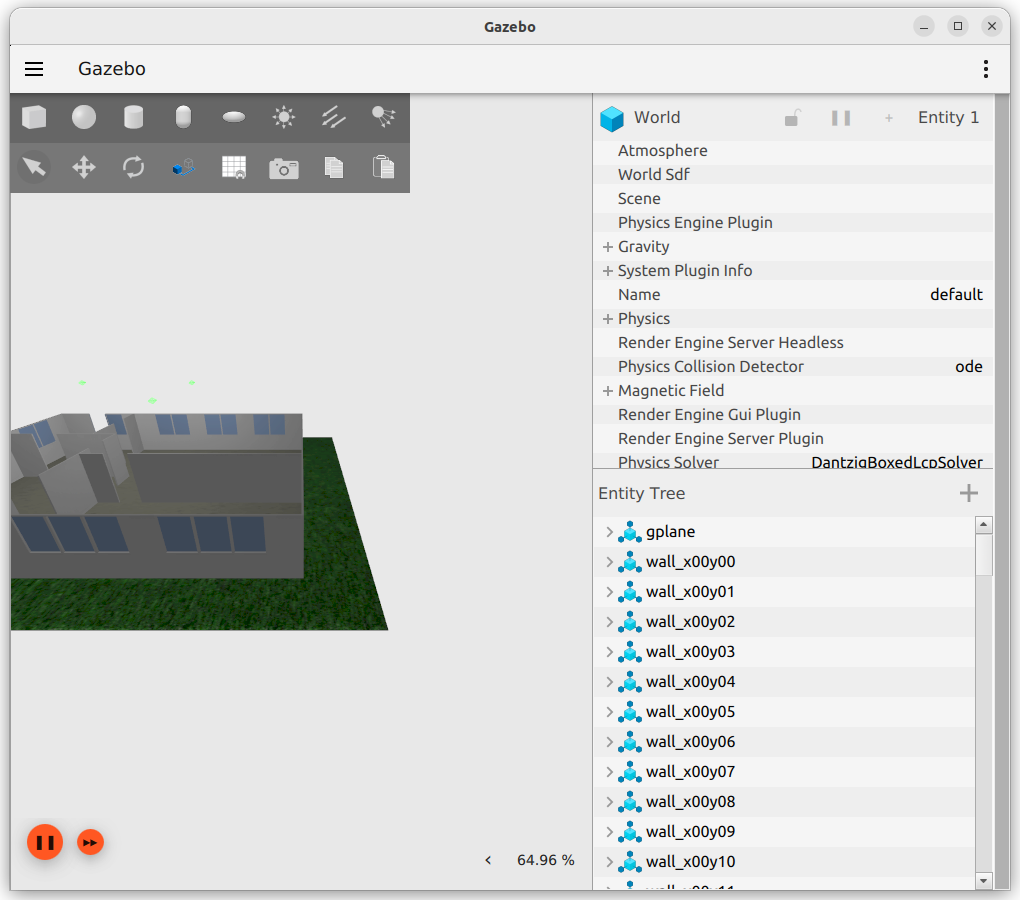
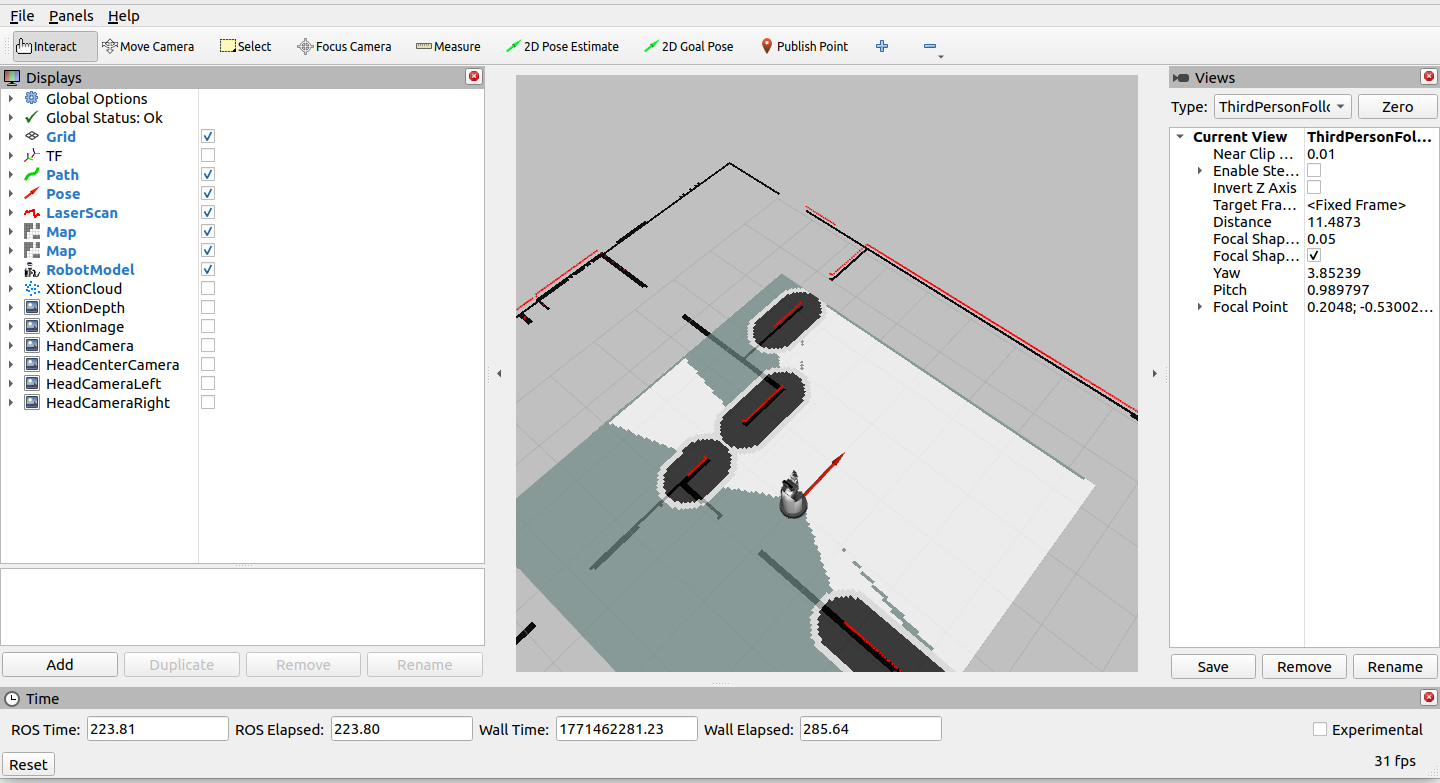
Proceed with the simulator running throughout this section and beyond.
The next chapter explains how to use the Python interface.